

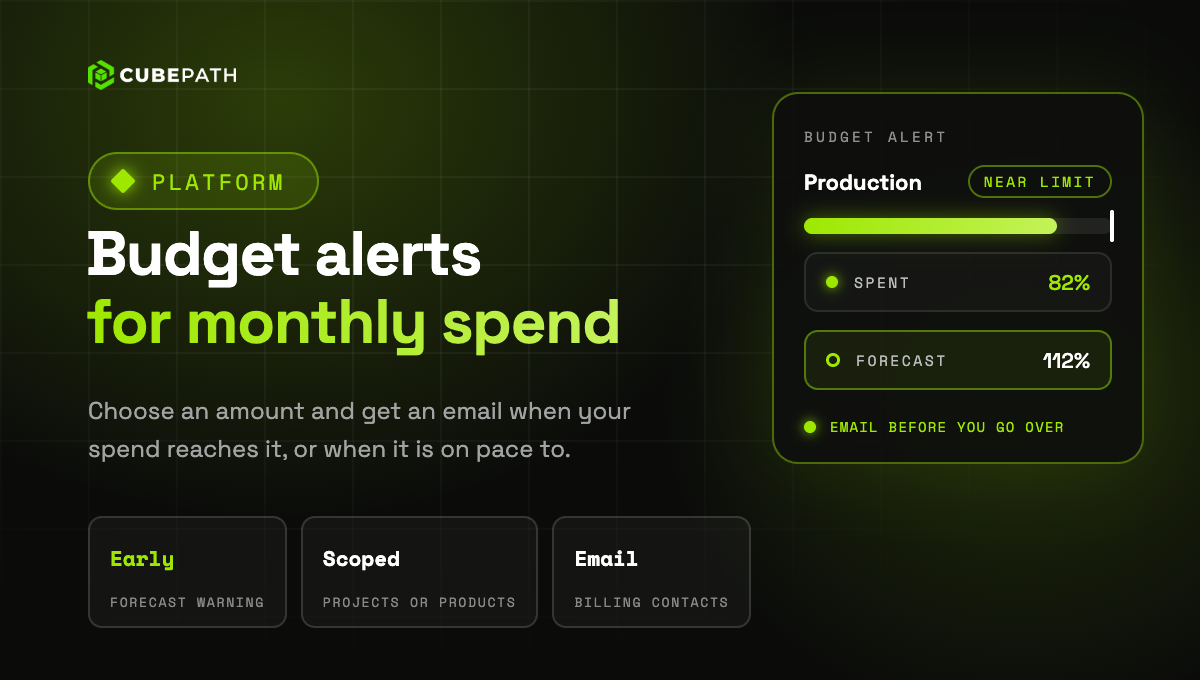
Budget alerts email you when your monthly spend reaches an amount you choose. Create one in Billing > Budget alerts, or straight from Usage Logs, and see how far along you are this month.
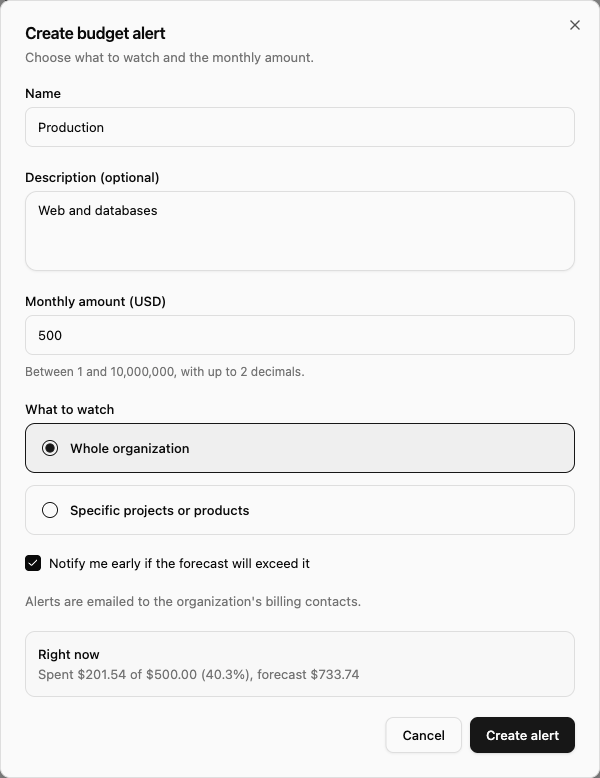
- Your whole organization or part of it: watch all your spend, or only some projects or products.
- Early warning: if at the current pace you will go over the amount before the month ends, you get an email before it happens. You can turn it off for each alert.
- Several amounts, several alerts: for a warning at more than one amount, create one alert for each.
- It never stops anything: an alert only notifies, your servers keep running.
The emails go to your organization's billing contacts. The spend counts your usage, AI Gateway and your subscriptions, day by day, including usage covered by credit.