

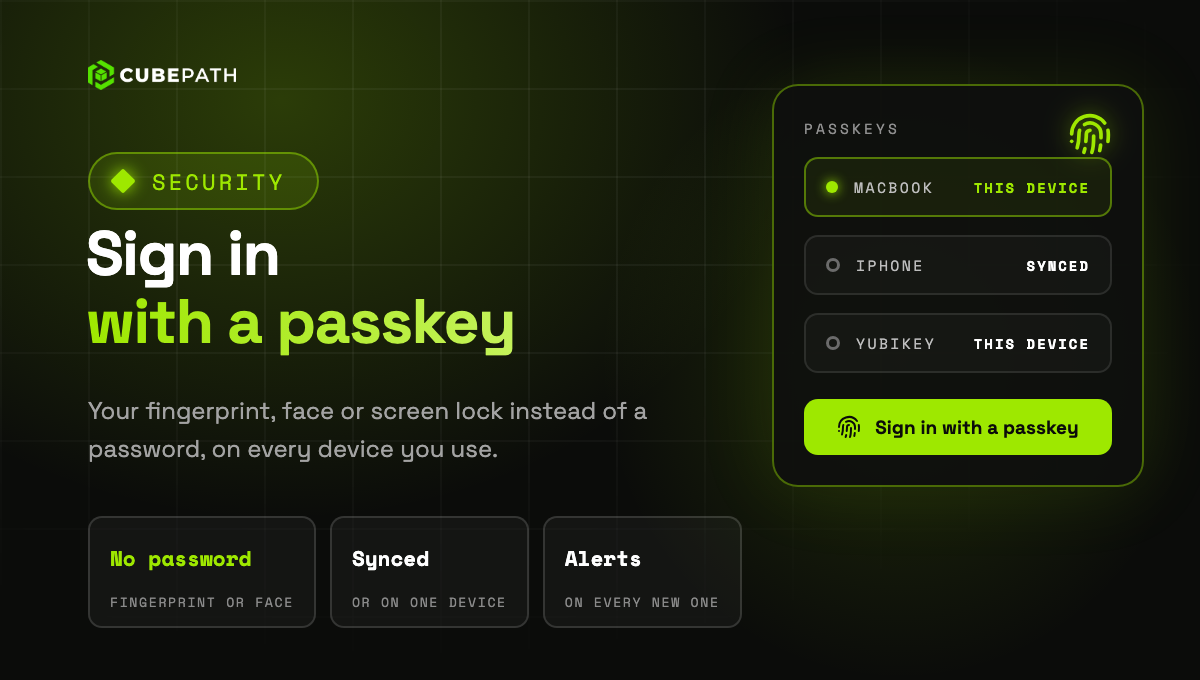
You can now sign in to CubePath with a passkey. A passkey takes the place of your password: you sign in with your fingerprint, your face or your device's screen lock. It only works on the CubePath panel, so a fake sign in page cannot steal it.
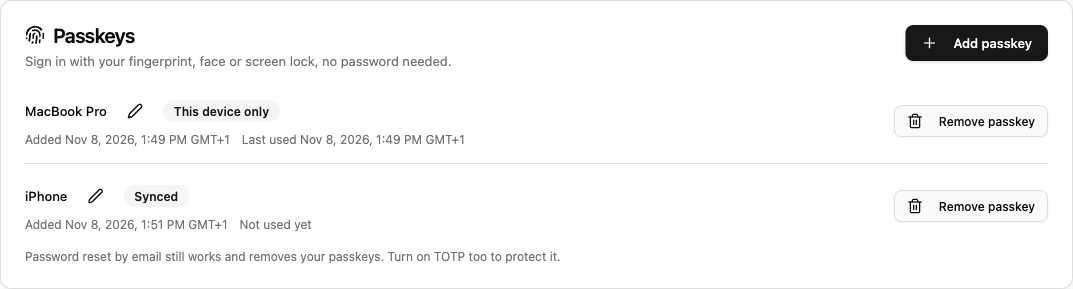
- Add one in Account > Security: confirm it is you, and your device or password manager creates it. Give each passkey a name so you recognise it later.
- Sign in in one step: on the sign in page, click Sign in with a passkey or pick it from the suggestions of the email field.
- Synced or on one device: a passkey can sync through your Apple or Google account or your password manager, or stay on a single device. The list shows which is which and when each one was last used.
- An email for every new passkey: if one is added that you do not recognise, the link in that email removes it and signs out every session.
A passkey is enough on its own: signing in with one does not ask for your authenticator code. Your password, Google, GitHub and SSO keep working as before.