

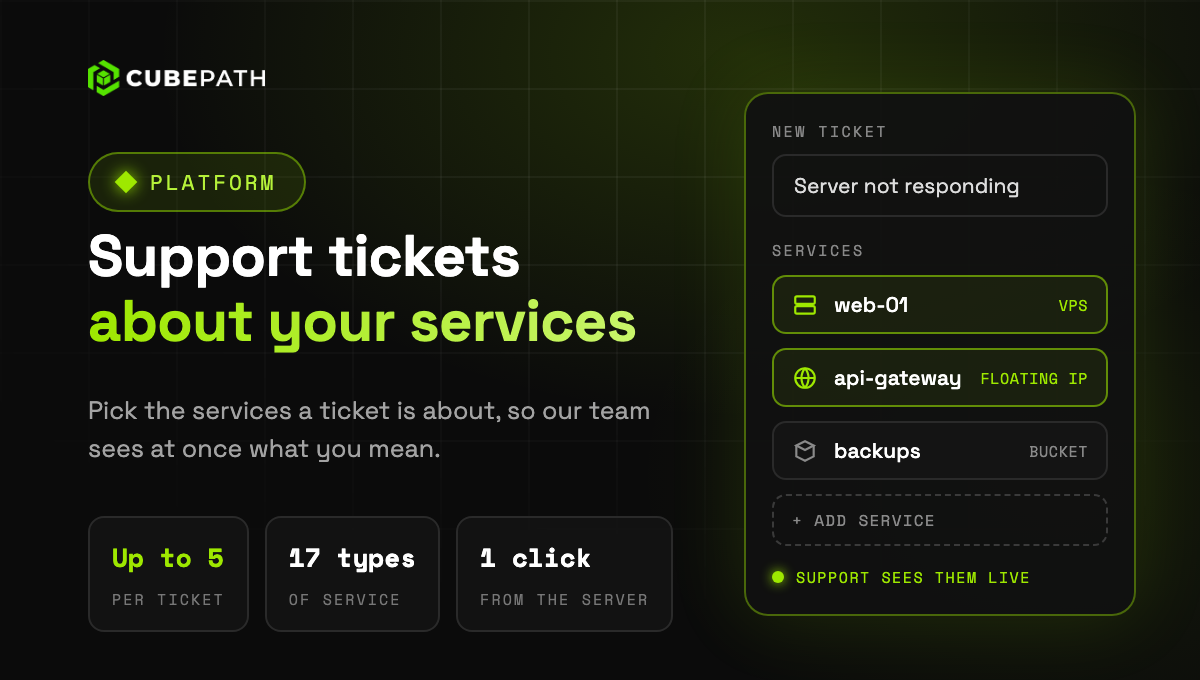
When you open a support ticket you can now pick the services it is about, up to five: a VPS, a bare metal server, a bucket, a floating IP, a Kubernetes cluster or any other. Our team sees at once which service you mean and how it is doing, without asking you for IDs or IP addresses.
- One search for all your services: the picker finds them by name across 17 types, grouped by product, with their location and project.
- Straight from the service: the support button on a VPS or bare metal server page, and "Contact support" on load balancers, NAT gateways, Kubernetes clusters, managed databases, DNS zones, CDN zones and buckets, open a ticket with that service already selected.
- Change them later: add or remove services from the ticket page at any time. The ones our team linked stay.
- On every ticket: the services show up in your ticket list and on the ticket itself, with a link to each one.
Linking a service is optional, and each member only sees the services their role can read.